Rights & privacy
61 guided workflows, request checklists, evidence logs, works and assets, exposure review, privacy tracking, rights and license windows, and music metadata.
 DELIRIUM
 DESKTOP 1.4.0
Rights, privacy and creator business tools inside your Delirium workspace.

AEGIS · INCLUDED WITH DELIRIUM
Manage copyright records, privacy requests and creator business from the same Delirium workspace.
Aegis now has its own group in Delirium’s sidebar. Its forms, controls and appearance follow Delirium, so you can move between rights work, media, AI and creation tools in one app.
61 guided workflows, request checklists, evidence logs, works and assets, exposure review, privacy tracking, rights and license windows, and music metadata.
Licensing deals, contacts, campaign approvals, reported metrics, ownership shares and revenue records.
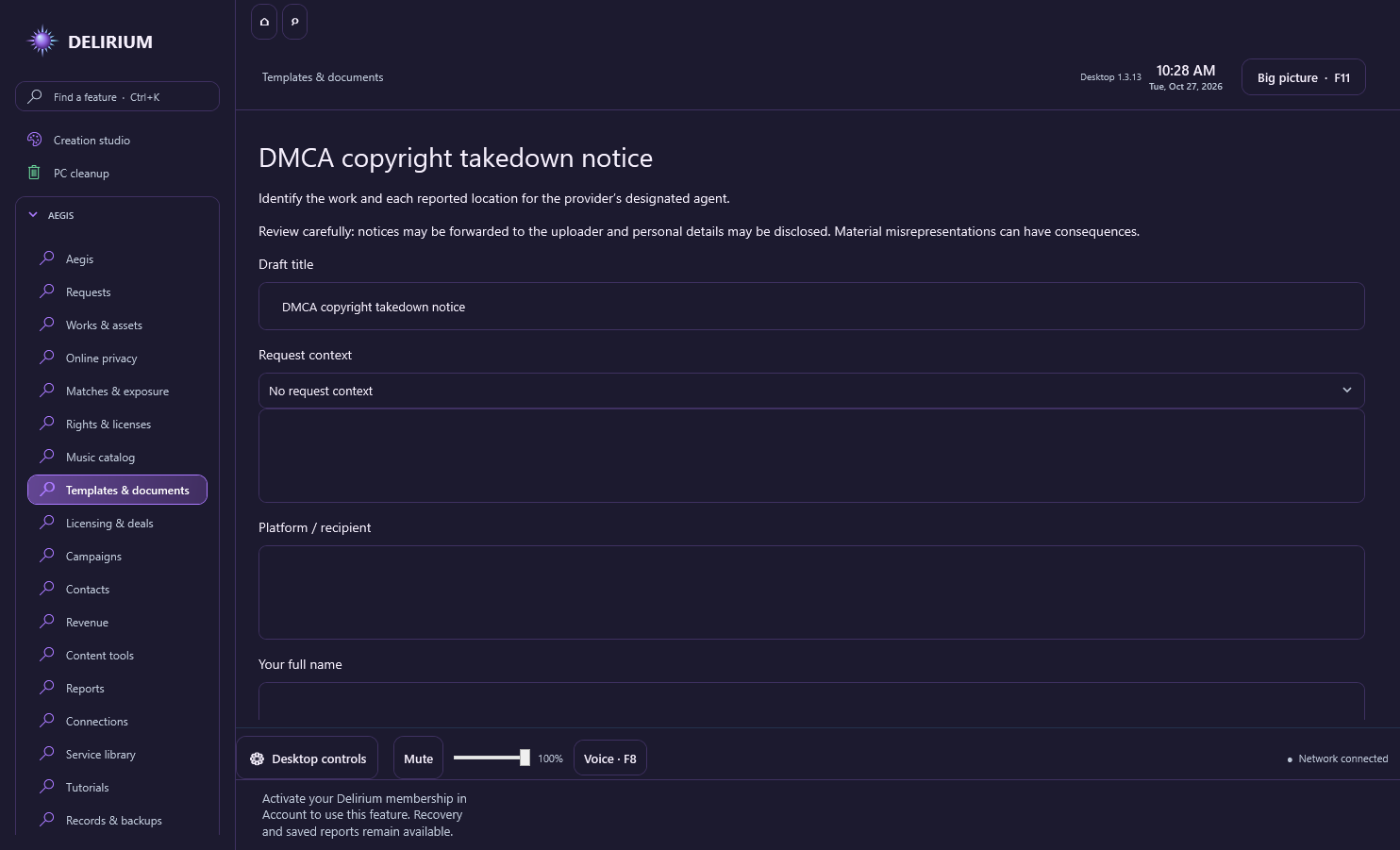
30 editable preparation templates, case reports, CSV and calendar exports, JSON backups, file fingerprints, visible watermarks and a royalty-share calculator.
Native walkthroughs and optional TinEye, Optery, YouTube Analytics and Resend connections using your own authorised provider accounts.
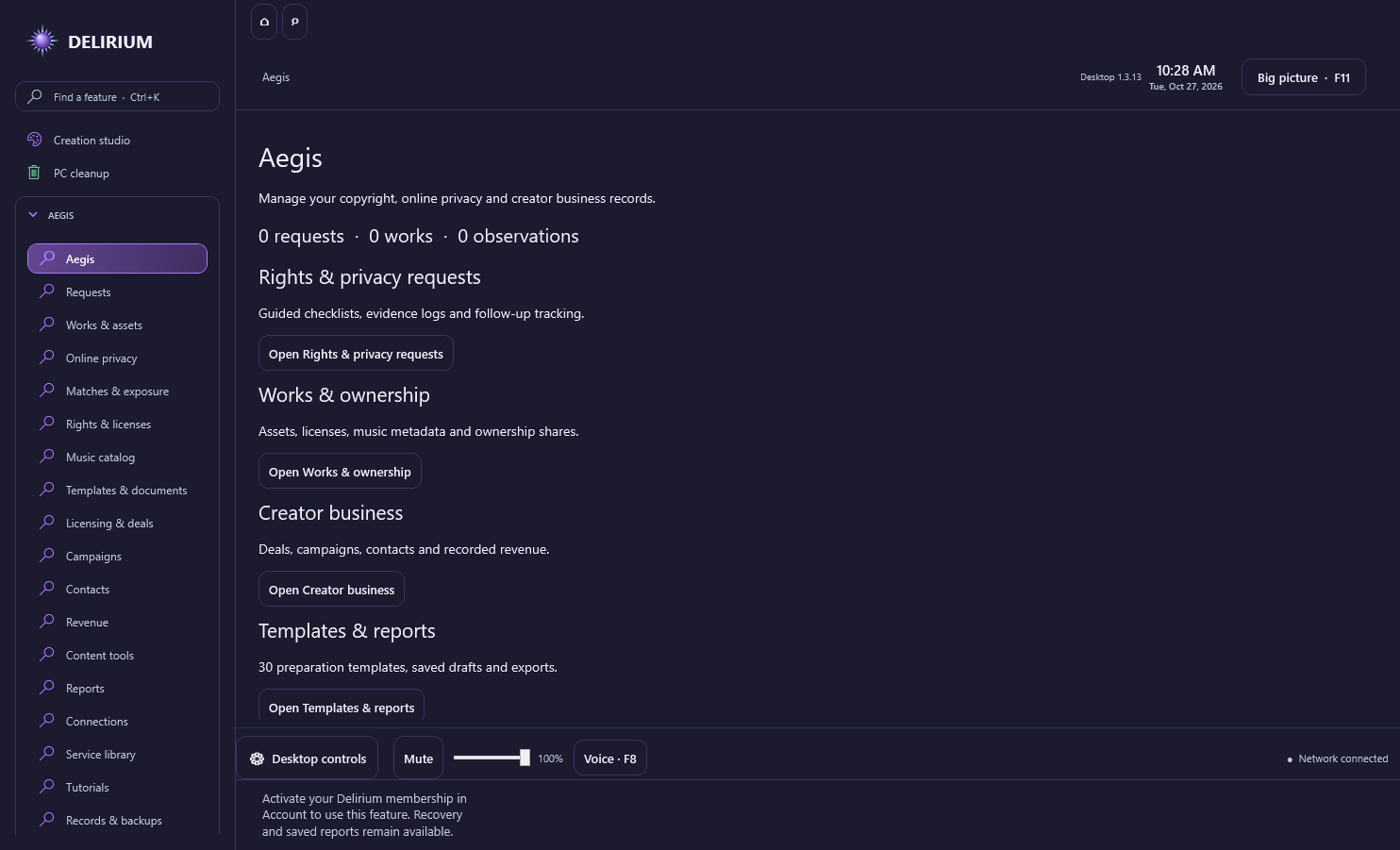
Current Delirium access includes Aegis. Provider access, permissions and any provider charges are separate. Records stay in a local Aegis database; provider credentials are encrypted separately. Templates and reports prepare your work but do not automatically submit notices or complaints. Optery retrieves existing member status; YouTube Analytics is separate from Content ID claims.
Desktop 1.3.12 and 1.3.13 share the same local Aegis data folder. For records from the separate Aegis app, export a JSON backup there and import it under Aegis → Records & backups. Back up current records before confirming replacement. No existing records are imported automatically.
IN DELIRIUM DESKTOP 1.4.0
Save case filters for status, follow-up date, missing metadata and text. Open the chronological case and evidence timeline, or export it locally.
Build a SHA-256 inventory for 1–100 selected local files, up to 25 MB each and 200 MB total. Import or export a compatible manifest, then review Match, Changed, Missing and Additional results. These comparisons do not alter your files.
Six scoped official companion tools offer AI/non-AI filters and local search. Aegis walkthroughs retain saved completion and use your selected Guide. Existing 61 service definitions, 30 templates, records, watermark, royalty and single-file hash tools remain.
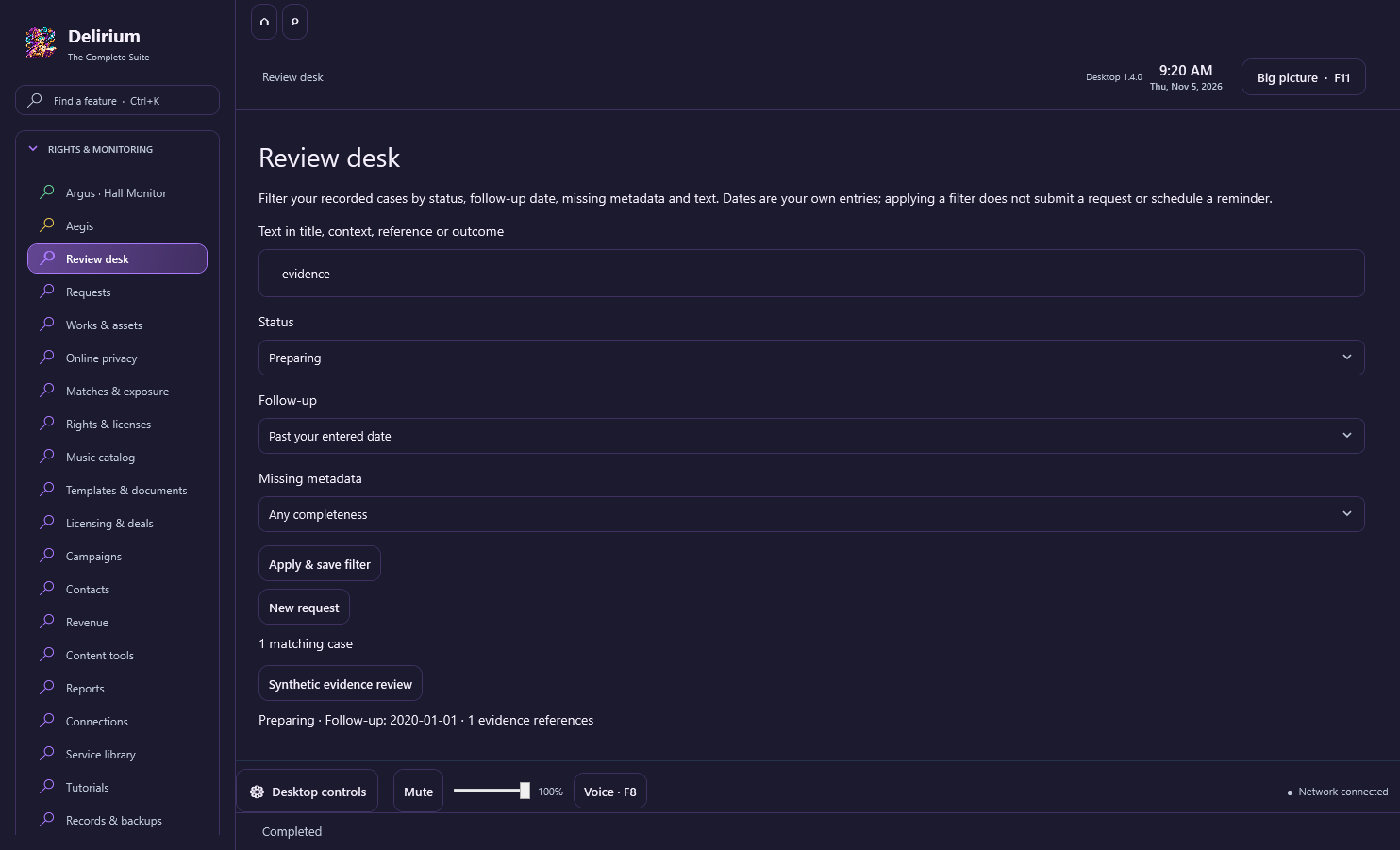
This is the Aegis interface inside Delirium, with Delirium account access. The separate $9.99 itch.io local lifetime Aegis edition and Aegis website activation have their own access terms. No notices, account-security changes or provider calls start merely by opening these tools.
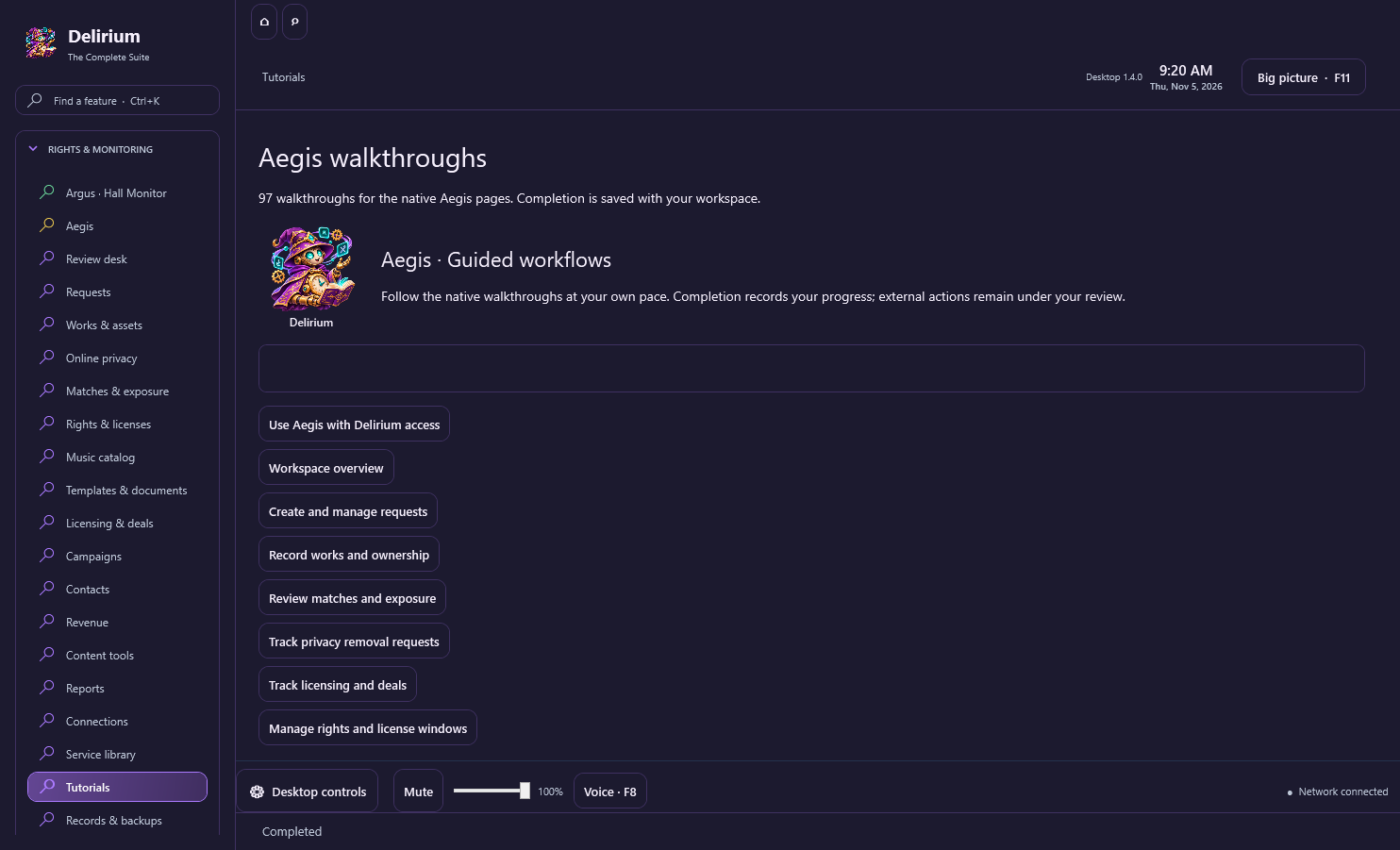
The 18 Guides are the named companions you can choose for Delirium. Aegis also keeps its own workflow walkthroughs and saved completion records; these are separate from your companion choice.